
Let your taste do the talking
Great Partners With
Show your favorite
by a bunch of categories
Want More? We appreciate your advice!
Your Culture, One Page
Know if you'll vibe before you say hi
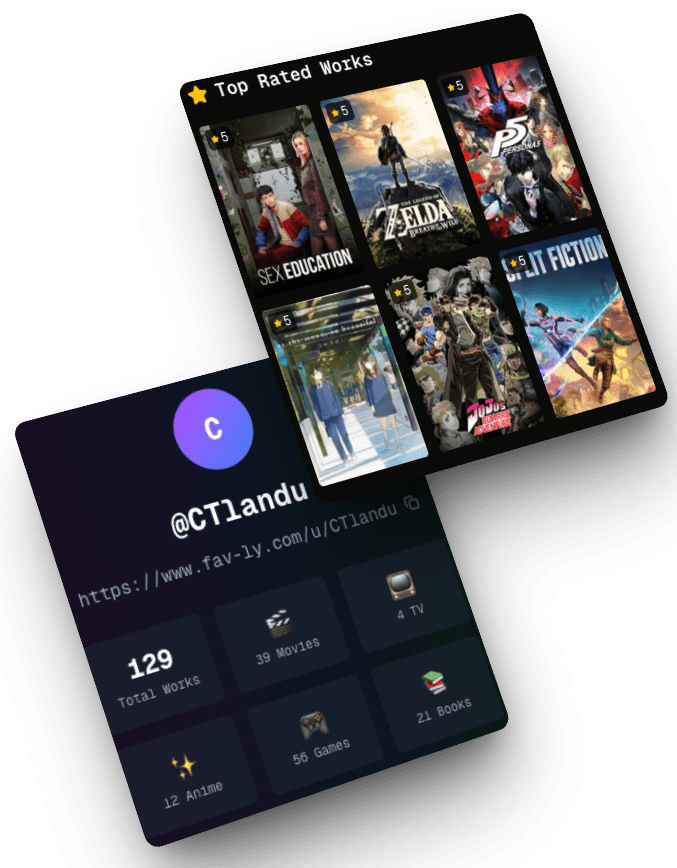
30-Second Profile Check
Everything you need to know at a glance
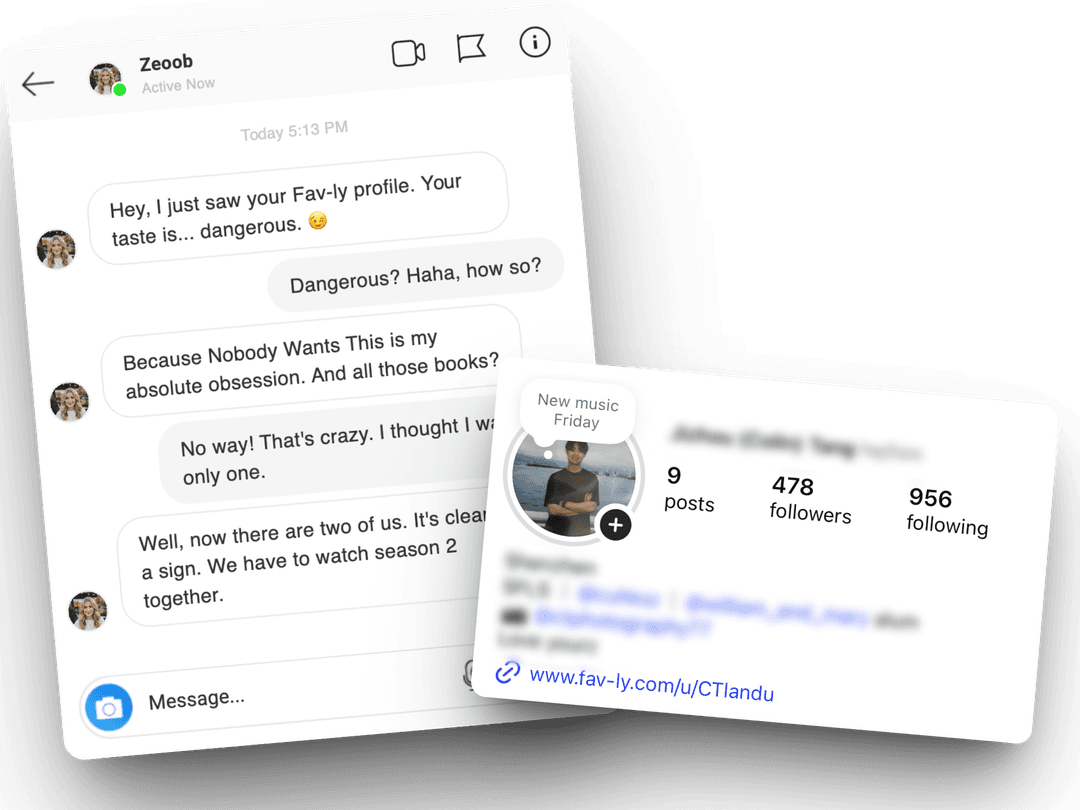
Instant Ice Breaker
No more "so... what do you like?"
Express Yourself
Show your taste in movies, books & games
Discover
Find new content through others
Connect
Share your profile link anywhere
for everything you enjoy
Create your personal page. Share it everywhere.
Free forever · No credit card needed
Choose Your Plan
Start free and upgrade as you grow. All plans include core features.
= ☕ a coffee
- Everything in Pro
- Unlimited works
- Early access to new features
- Premium support
- Verified badge
= ☕ a coffee
- Everything in Pro
- Unlimited works
- Early access to new features
- Premium support
- Verified badge
= 🥯 a bagel
- Everything in Free plan
- Up to 200 works total
- Unlimited items per category
- Priority support
- Advanced statistics
- Custom profile themes
Frequently Asked Questions
Everything you want to know about Favly
What is Favly?
Favly is a free link in bio tool built for entertainment lovers. Create a personal taste page that showcases your favorite movies, music, books, games, anime, and TV shows — then share it in one link anywhere online.
How is Favly different from Linktree or other link in bio tools?
Unlike generic link-in-bio tools, Favly is specifically designed around cultural taste and entertainment. Instead of a list of URLs, your Favly page shows who you are through what you love — movies, music, games, books, anime. It's a personality page, not just a link page.
How do I use Favly as a link in bio?
Sign up for free, add your favorite movies, music, books, games and more, then copy your unique Favly URL (favly.me/u/yourname). Paste it into your Instagram bio, TikTok bio, Twitter/X profile, or any social media platform as your link in bio.
How do I use Favly with dating apps?
Add your Favly profile link to your Tinder, Bumble, Hinge, or OkCupid bio. Matches can instantly see your taste in movies, music, and games — giving them concrete conversation starters and letting you both gauge compatibility before the first message.
Is Favly free to use?
Yes! Favly is completely free to sign up and use. The free tier lets you add favorites across all categories. Premium tiers (Pro and Prime) offer unlimited favorites and additional features.
What categories can I add to my Favly link in bio?
You can showcase favorites across 9 categories: Movies, TV Series, Music, Books, Games, Anime, Documentaries, YouTube Channels, and Sports.
Can I share my Favly profile on Instagram, TikTok, or Twitter?
Absolutely! Your Favly profile has a unique URL (favly.me/u/yourname) that works as a link in bio on any platform — Instagram, TikTok, Twitter/X, Threads, Discord, Snapchat, and more.
Is Favly a good Linktree alternative?
Yes, especially if you want to express your personality rather than just list links. Favly is a Linktree alternative focused on culture and entertainment — it shows who you are through what you love, making it ideal for creators, cinephiles, gamers, and anyone who wants a more personal link in bio page.